
Twenty-five photo tools. Free.
Edit a photo. Never upload it.
Cut out a background, turn a photo two-tone, bend a headline round a curve, print it as a page of dots. Twenty-five tools, free, and nothing to sign up for.
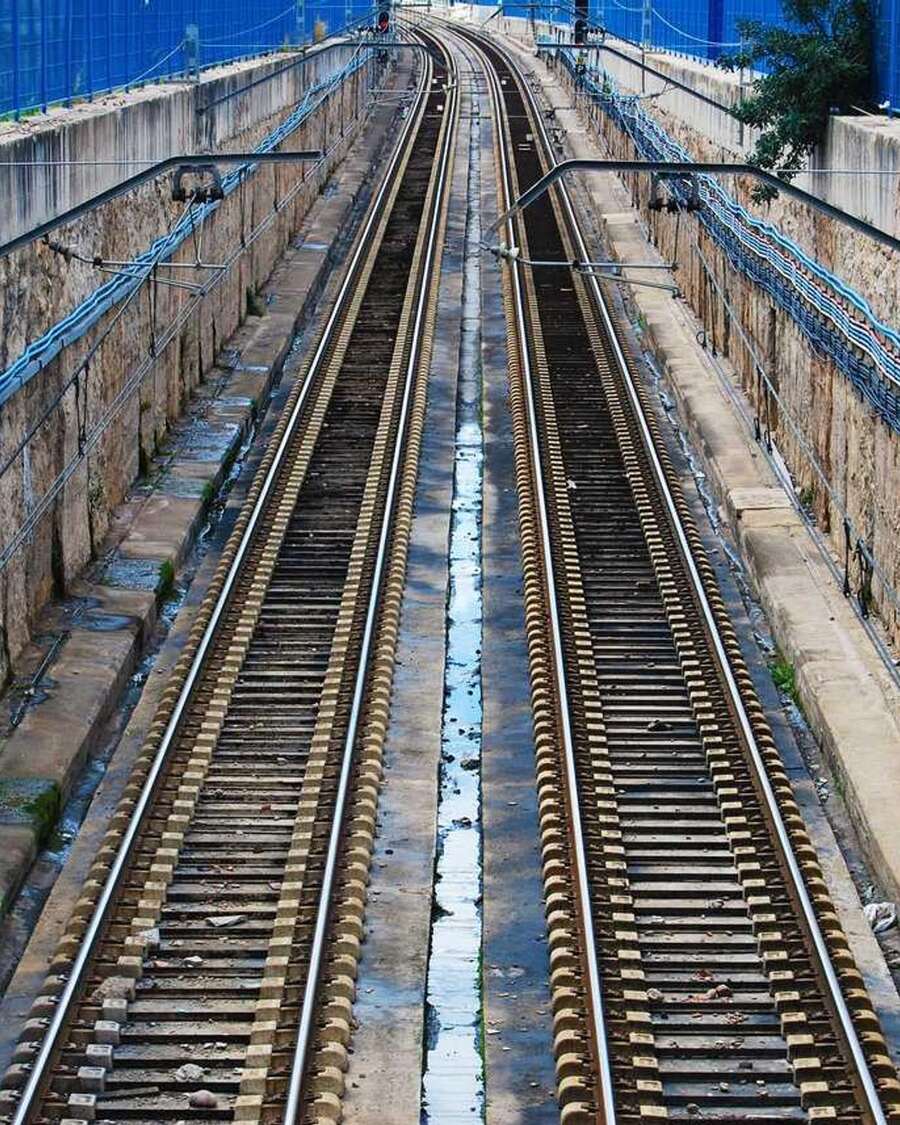
This is your own browser doing the work. Drag the handle to see the difference, then open the editor and run the same filter on a photo of yours.
-
No upload
Your photo never leaves your device. Open your browser's network panel and watch the request list stay empty while you work.
-
No account
Nothing to sign up for. No email, no password, no profile, nothing that can leak or be sold.
-
No install
It is a web page you open in a tab. No app store, no extension, nothing to install and nothing to keep updated.
Make one photo look six different ways
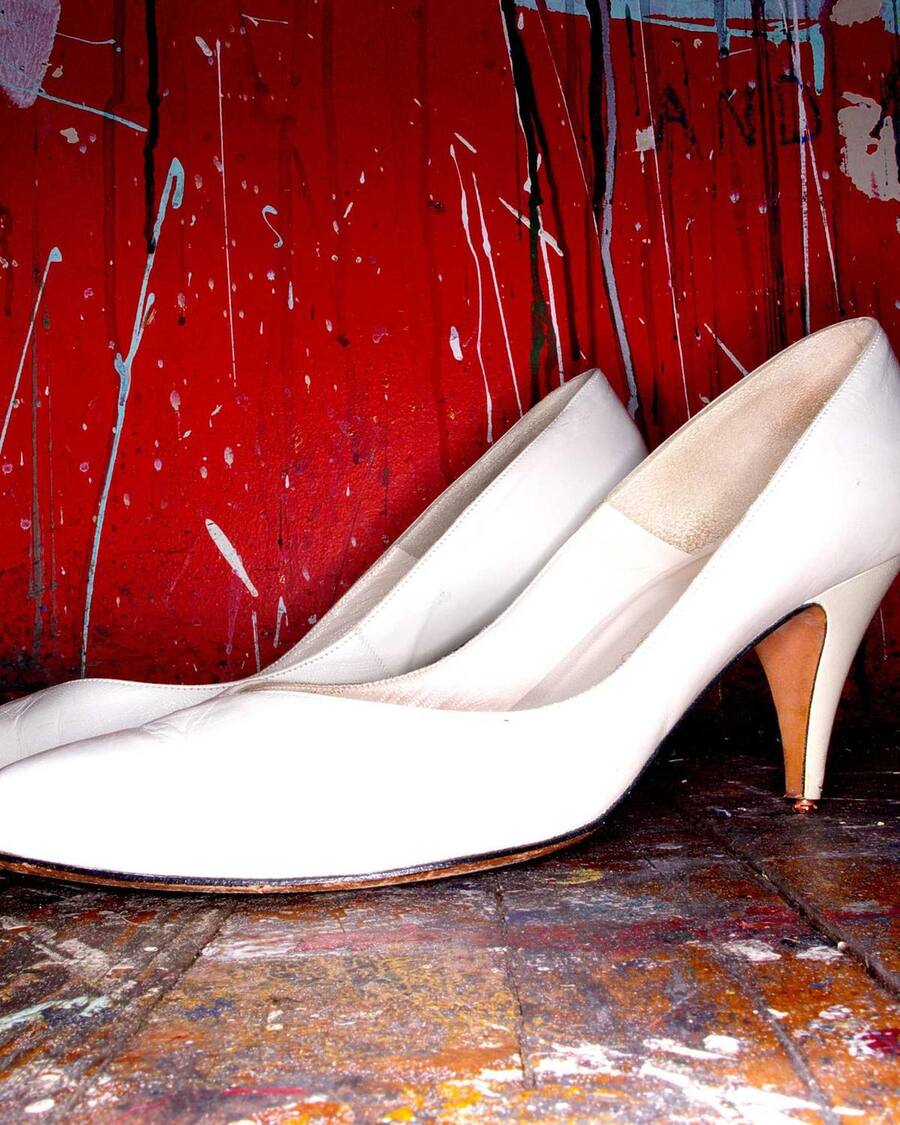
Halftone dots, an oil paint pass, a warm film curve, a pencil sketch, a colour remap and a deliberate glitch. These are real renders of the same photograph rather than pictures of the filters, so what you see is exactly what the editor exports.
- 01 Gradient Map Push the photo onto two colours of your choosing. m
- 02 Halftone Break it into a screen of printing dots. 0
- 03 Oil Paint Smear it into flat painted patches. o
- 04 Sketch Reduce it to outlines on paper. s
- 05 Lomo Warm it up and darken the corners. l
- 06 Glitch Slice it sideways and shift the colour out of line. x
Text that goes into the photo, not on top of it
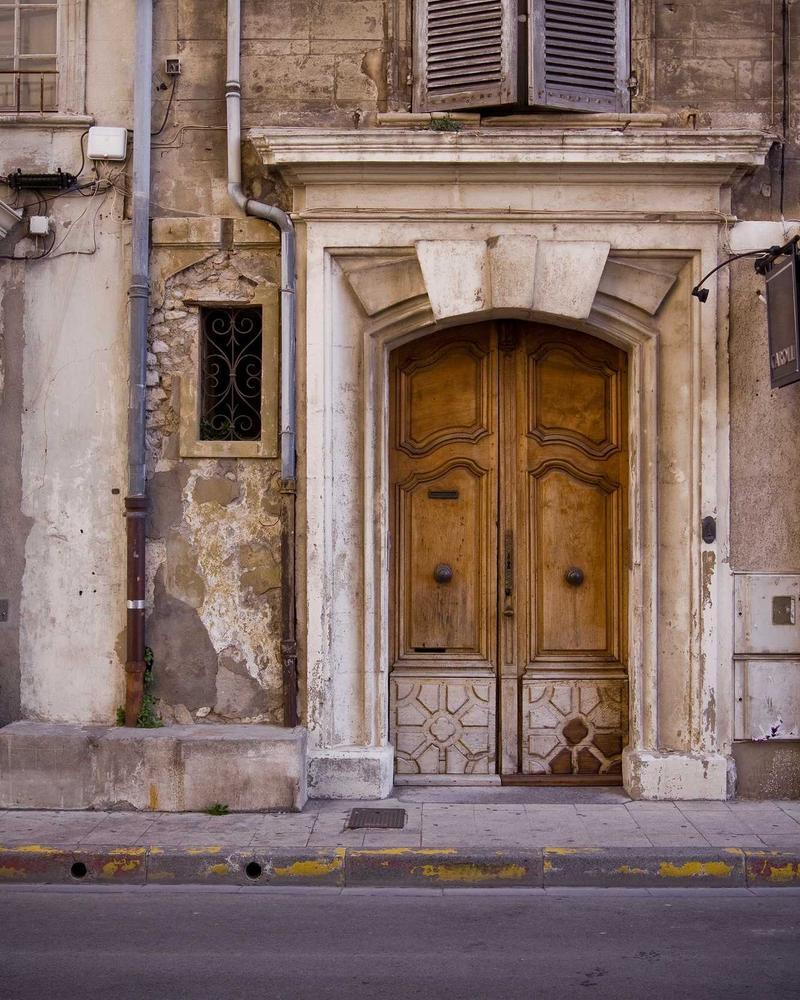
Curve a headline round an arc, outline it, fill the letters with a pattern, tuck it behind your subject, or drop in stickers you can drag and turn. It all exports as part of the image, so it scales and crops with the photograph instead of riding on top of it like a caption box.
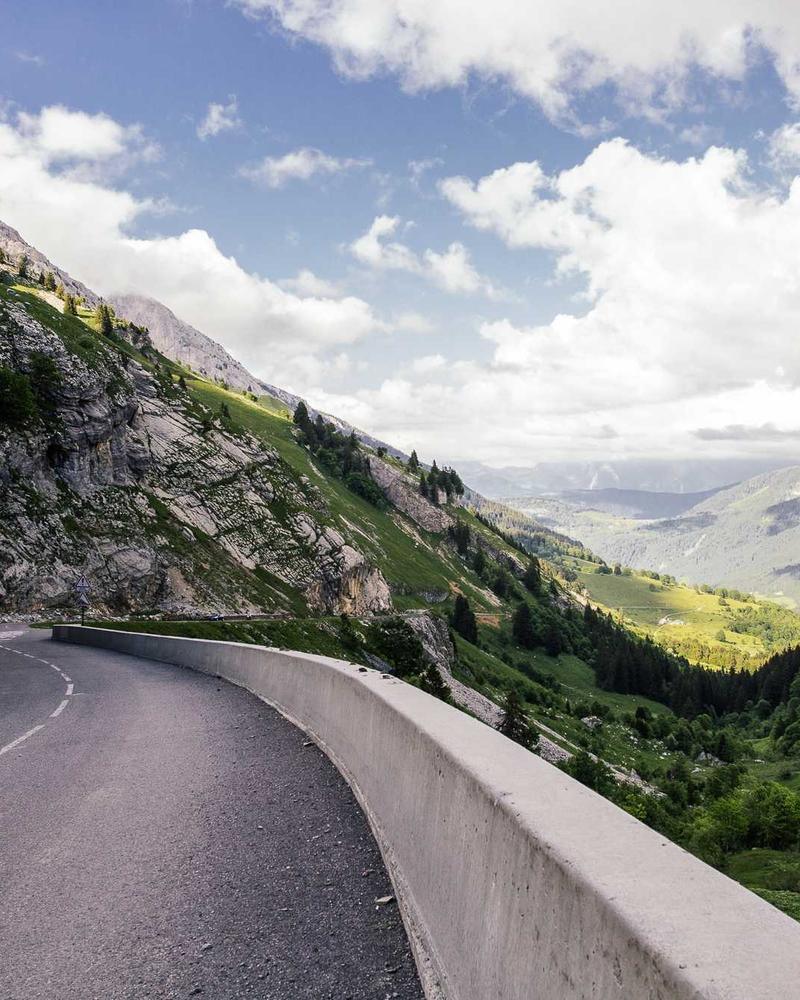
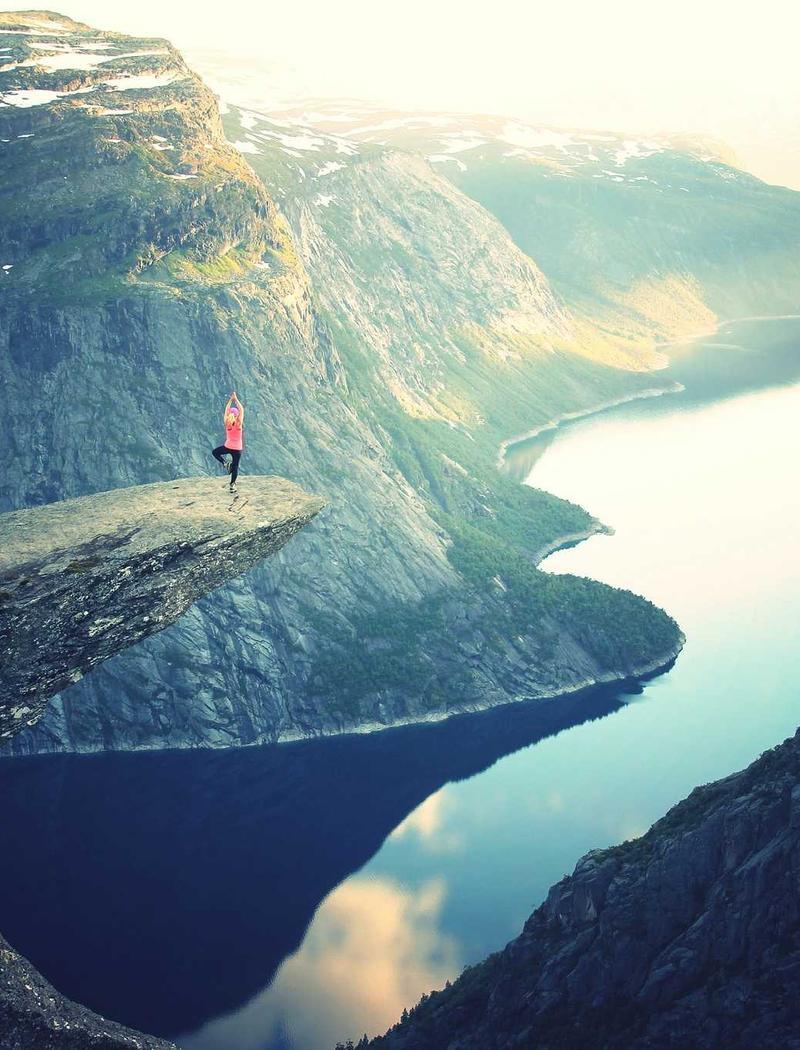
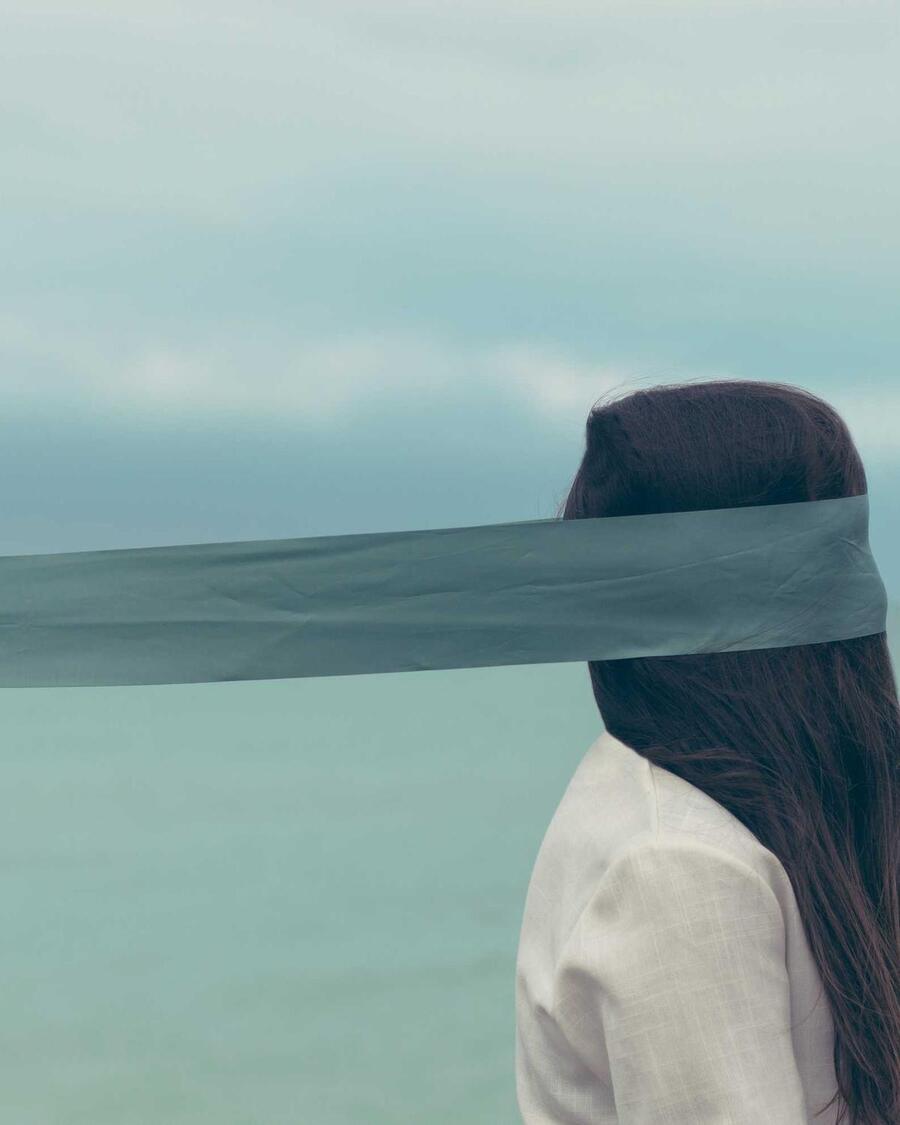
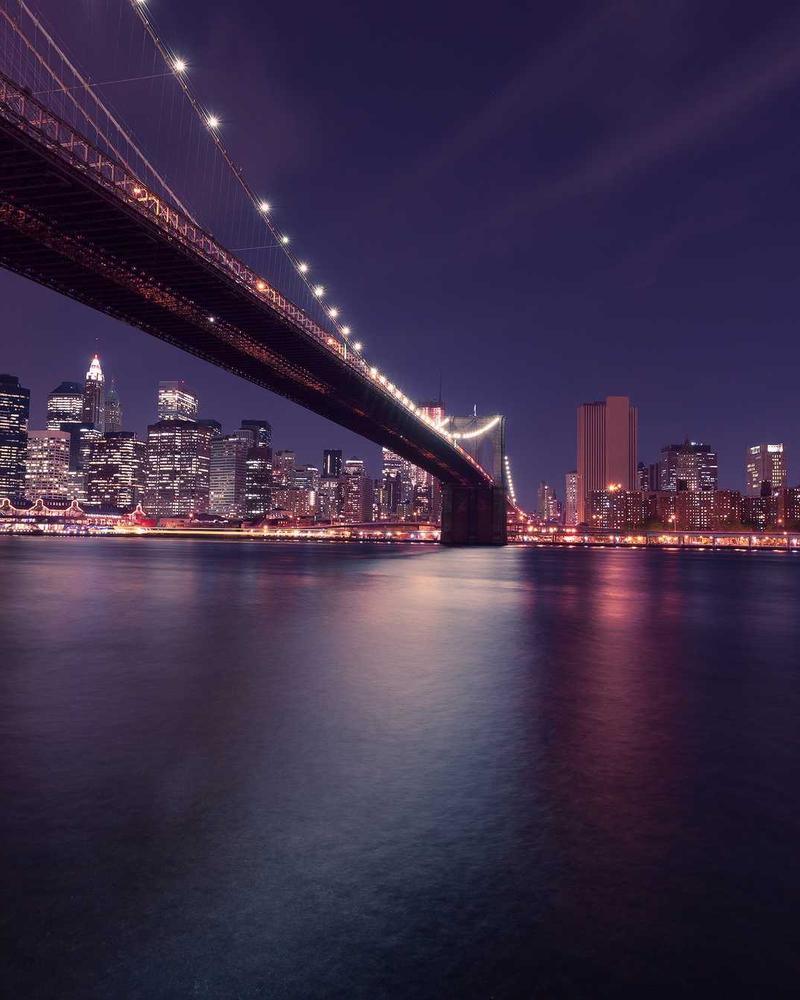
- Curved text Bend a line of words round any arc you choose.
- Stroke text Give the letters an outline, or fill them in solid.
- Text behind Put the words behind your subject, cut out around them.
- Stickers Drop in stars, crowns and sparkles, then move and turn them.
- Pattern text Fill the words with stripes, dots or any repeating mark.
Questions worth asking first
The short answers, with nothing rounded off. If one is still unclear, the source is in the footer and it is readable.
Does my photo get uploaded anywhere?
No. There is no code that sends it. Cropping, filtering and export all run in the tab, and the export is written straight to your downloads folder. The background remover downloads its segmentation model on first use and runs it locally, which is why it works offline afterwards.
What happens if I close the tab?
Your work goes with it. There is no autosave and no copy on a server, because a copy on a server is the one thing this tool will not do. Export before you close, the same as with any editor you have not given an account to.
Does it work offline?
After the first visit, yes. The page and the passes are all in the browser's cache, so the whole editor works with the network off. Only the background remover has anything to fetch, and only once.
Which formats can it open and save?
Anything your browser can decode, which in practice means JPEG, PNG, WebP, AVIF and GIF. It exports to PNG, JPEG or WebP. JPEG has no transparency, so a cut-out saved as JPEG lands on white.
Can I undo something I did not mean to?
Yes. Every edit you apply is a step you can walk back. Moving a slider only previews, so the photo you opened is untouched until you press the button.
Why is there no sign-in?
An account would mean a server, and a server would mean somewhere for your photos to be. What you give up is history between visits, which is the trade every local-first tool makes.